Your profile
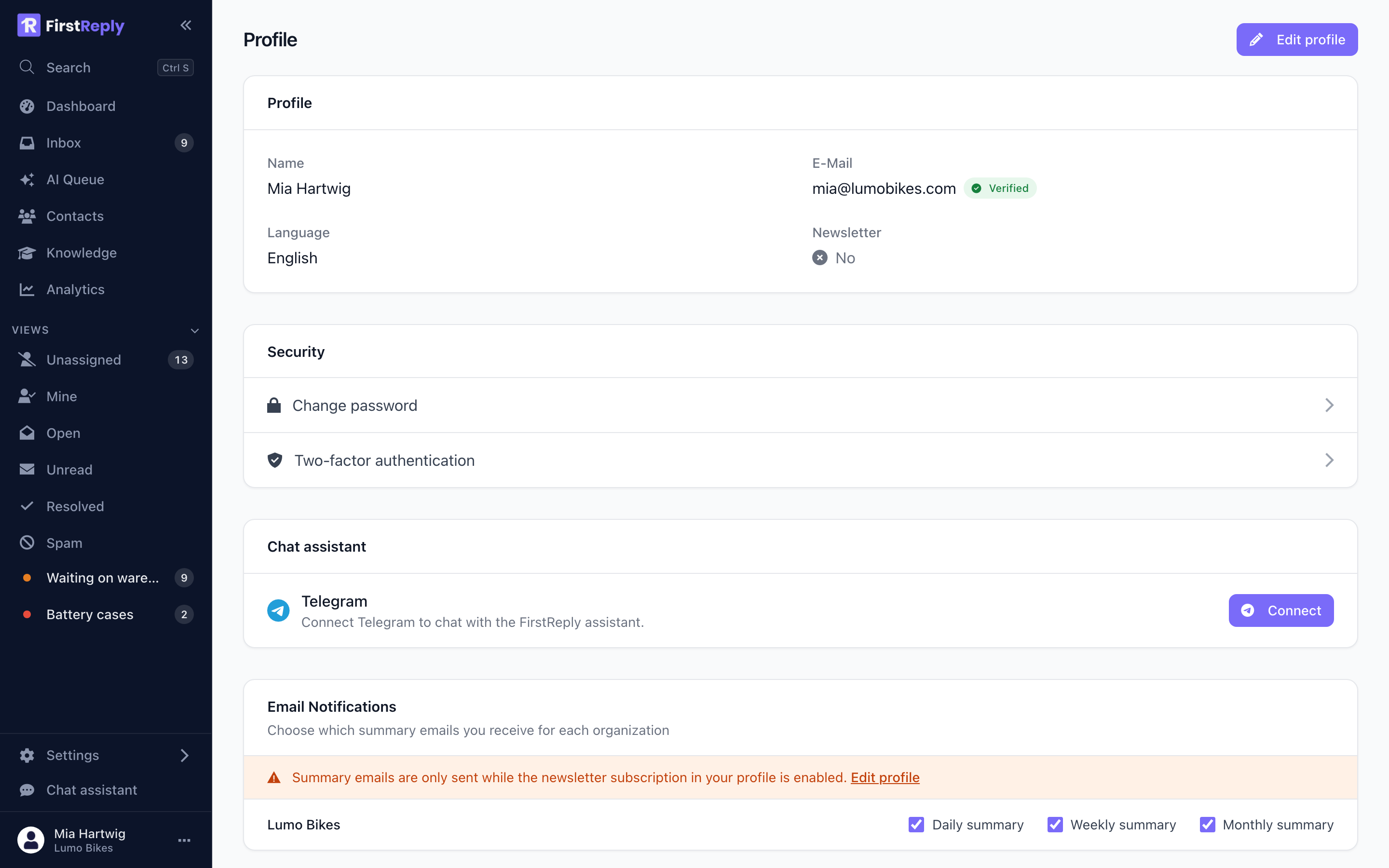
Your profile is personal and follows you across every workspace you belong to. Open it from your name at the bottom of the sidebar.
Name and email
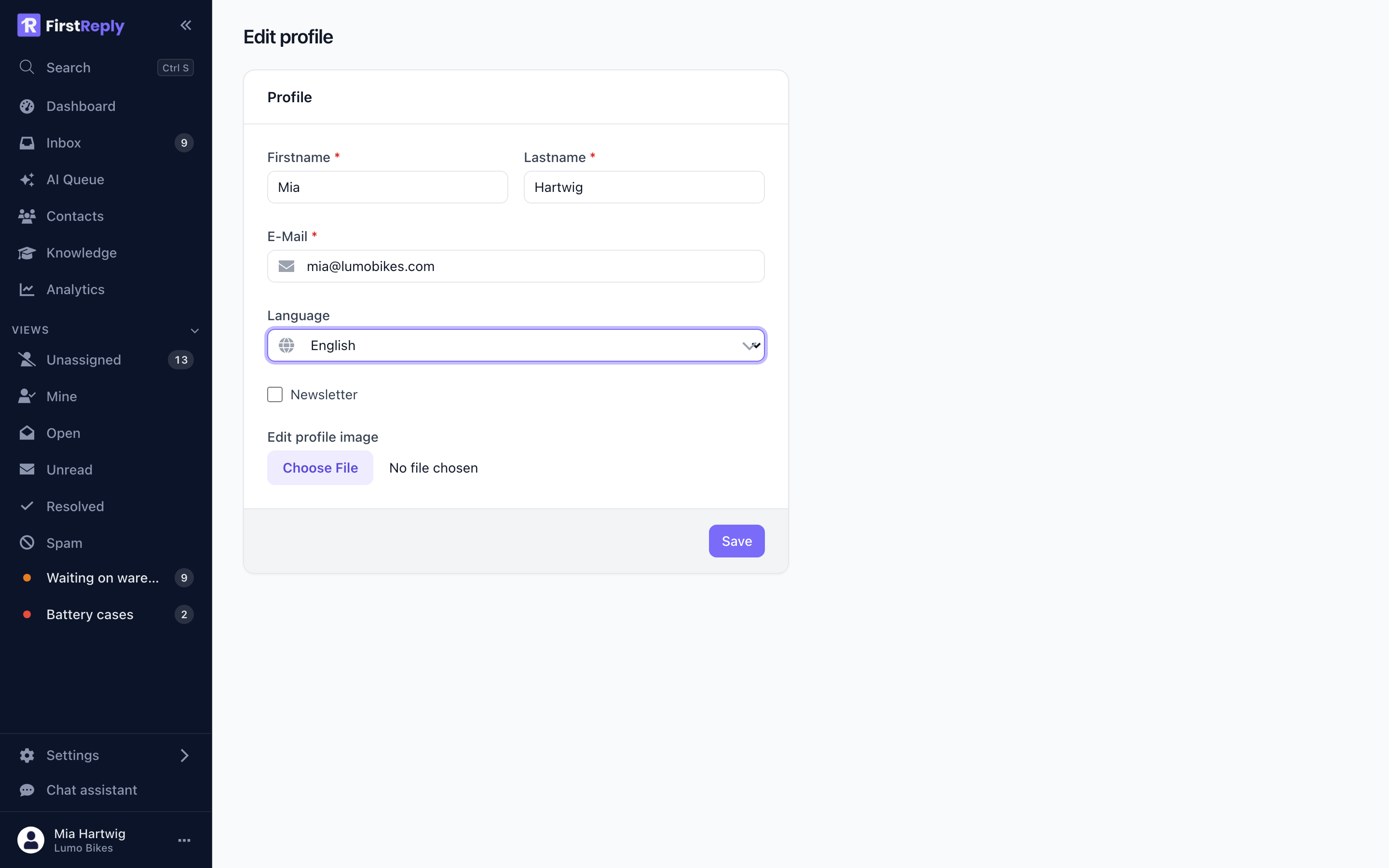
Your name appears on the replies you send and on the conversations you are assigned. Customers see it, so use the name you want them to read.
Your email address is where notifications, password resets and workspace invitations go. Changing it sends a verification link to the new address; the change takes effect when you click it, so a typo cannot lock you out.
Language
The interface is available in English and German and follows this setting. It is per person: your colleague can work in German while you work in English, in the same workspace.
It does not affect the language of your replies. The assistant answers in whatever language the customer wrote in.
Appearance
FirstReply follows your operating system's light or dark setting and can be overridden from the menu next to your name.
Password
Set or change your password under Profile → Password. Changing it signs out your other sessions.
If you signed up with Google or Microsoft you may have no password at all, which is fine. Adding one gives you a second way in if the OAuth provider is ever unavailable.
Sign-in methods
Profile → Add login links additional sign-in methods to the same account: a password plus Google, or Google plus Microsoft.
Linking is worth doing once. An account with a single sign-in method is one provider outage away from being unreachable.
Two-factor authentication
Under Profile → Two-factor authentication. It is the single most useful thing on this page: your account can reach every customer conversation in the workspace.
See Security.
Notifications
Your own email notifications are controlled from your profile. Workspace-wide summaries are separate; see Notifications.
Signing out
From the menu next to your name. Signing out revokes the session on the server, not just in the browser, which matters on a shared machine.