Notifications
FirstReply sends two kinds of email: notifications about your own work, and summaries about the workspace.
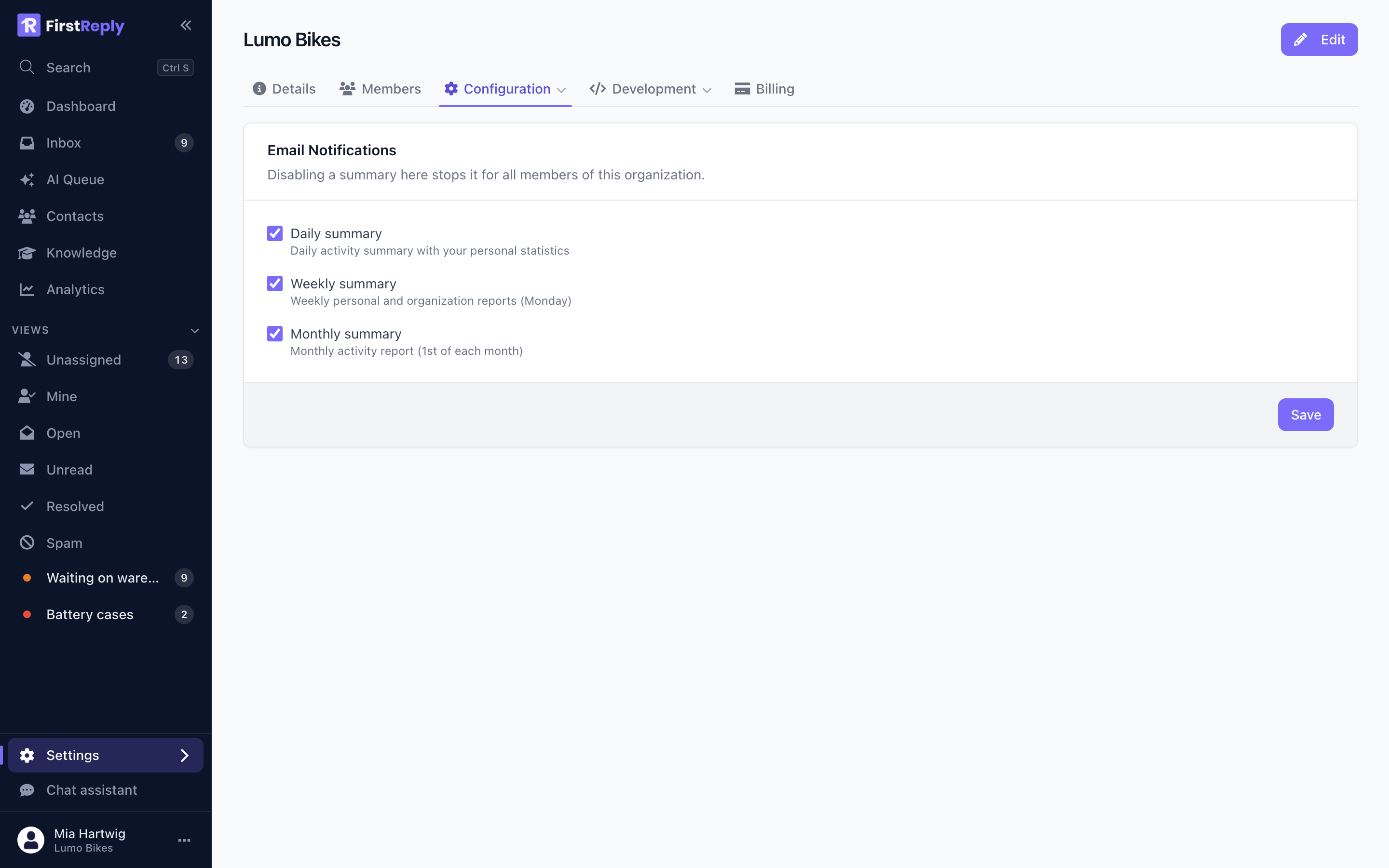
Workspace summaries
Set under Settings → Configuration → Email notifications. They need the Admin role.
Daily summary — yesterday's volume, what is still open, what is unassigned. The one worth having: it arrives before the working day and takes ten seconds to read.
Weekly summary — the week's totals and trends, including how much the assistant handled.
Monthly summary — the same over a month. Useful for reporting upward, rarely useful for running the queue.
Each can be switched on or off for the workspace. Members then control whether they personally receive them.
Personal notifications
Each member controls their own under their profile. Nothing here is forced by the workspace.
Point new members at this on their first day. Someone who never adjusts it either drowns or hears nothing, and both end with them ignoring FirstReply email entirely.
What to switch on
For an agent. The daily summary, and nothing else. The queue is the source of truth during the day; email about it is duplication.
For a manager. Daily and weekly. The weekly one is where you notice trends you cannot see from inside a day.
For an owner. Monthly, plus whatever you use as a manager.
Notifications and the AI Queue
The AI Queue does the job that urgent notifications otherwise would: it collects everything that needs a person, ordered by why.
A team that checks the queue twice a day needs very little notification email. A team that relies on notifications ends up with two systems telling them what to do, disagreeing.
Not receiving them
- Check the setting is on both for the workspace and for you personally.
- Check the address in your profile is verified.
- Check your spam folder, and allowlist the FirstReply sender domain.
- Summaries are sent on a schedule, not on demand: a workspace with no activity in the period does not generate one.