Spam
A support address collects cold outreach, SEO pitches and bulk mail. FirstReply keeps it out of the working queue without deleting anything.
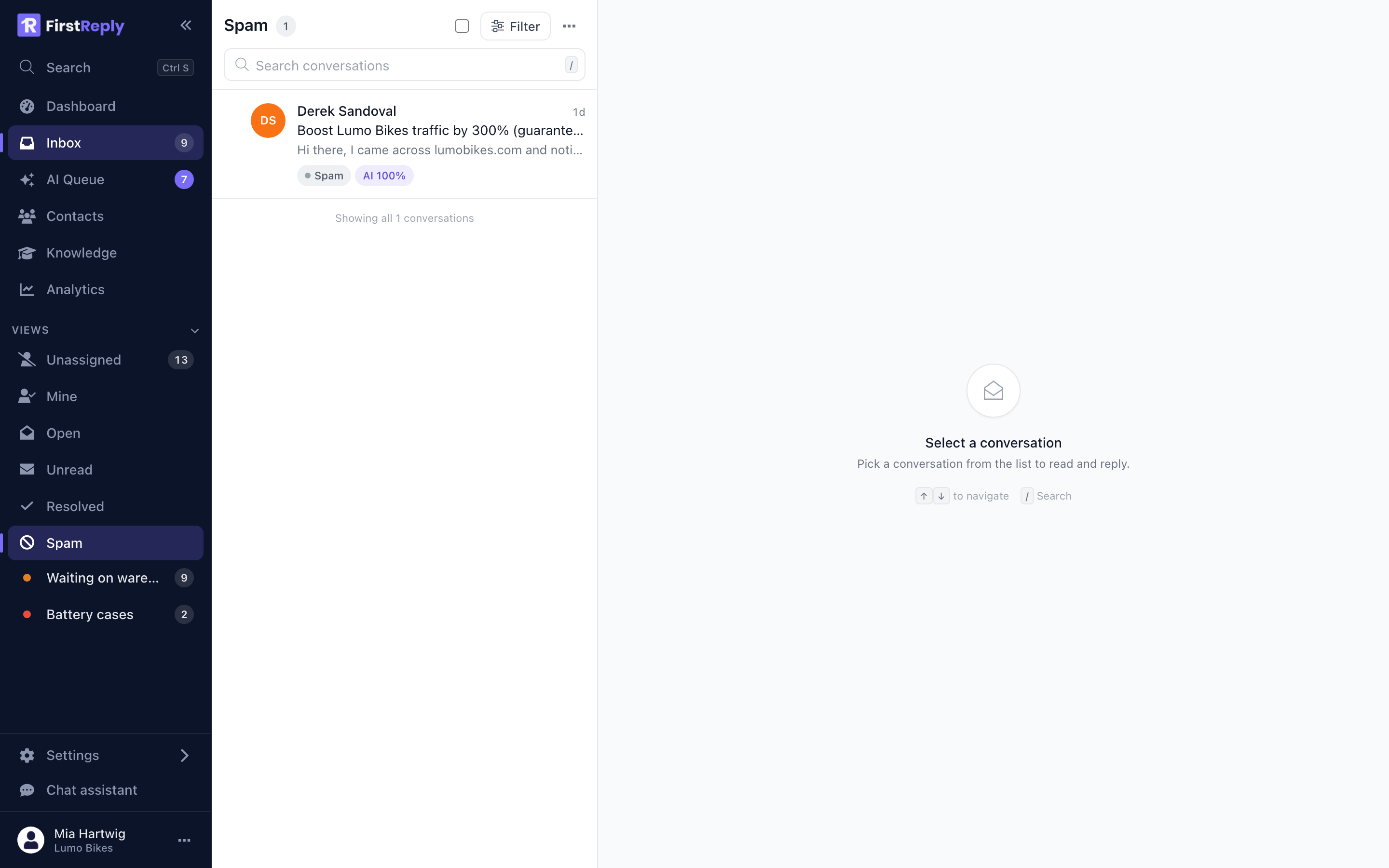
The spam view
Everything marked as spam moves to the Spam view and disappears from every other view, from the counters and from search results elsewhere. Nothing is deleted, so a false positive is always recoverable.
Mark a conversation as spam from its menu, or several at once from the list. Not spam puts it back.
Teaching it
The reliable way to keep the queue clean is a classification named Spam, with:
- Automatic reply off. Never reply to spam; it confirms the address is live.
- Automatic close on, so it closes on arrival.
- A description that names the kind you actually get.
The description is what does the work. Write it concretely:
Unsolicited sales and marketing outreach: SEO services, link building, web design offers, cold recruitment pitches, cryptocurrency, invoice fraud. Not: genuine customers asking about our products, and not partnership enquiries from companies we work with.
The exclusions matter as much as the inclusions. Without them, a supplier sending a genuine business enquiry can end up filed with the SEO mail.
Correcting it
When a conversation is misfiled, change the classification by hand. That correction becomes a verified example, which weighs more than an AI-classified one when similar messages arrive later.
Correcting false positives matters more than correcting false negatives: a missed piece of spam costs someone two seconds, a customer filed as spam costs you the customer.
Automated replies
Out-of-office messages and delivery receipts are not spam, but they are not work either. Give them their own classification with automatic close on. They then arrive, close themselves and stay searchable, without ever reaching the queue.
What FirstReply does not do
FirstReply does not run its own spam engine in front of your mailbox. Your mail provider already does that, and what reaches FirstReply is what your provider let through.
If genuine spam is arriving in volume, the fix belongs upstream in your mail provider's filtering, not here.