Prompts
Prompts control how the assistant writes. The knowledge base controls what it says. Keeping those two straight solves most problems people try to solve in the wrong place.
If replies are factually wrong, fix the knowledge base. If they are factually right but sound wrong, fix a prompt.
The two workspace prompts
Set under Settings → Organizations → your workspace → Edit, these apply to everything the assistant writes.
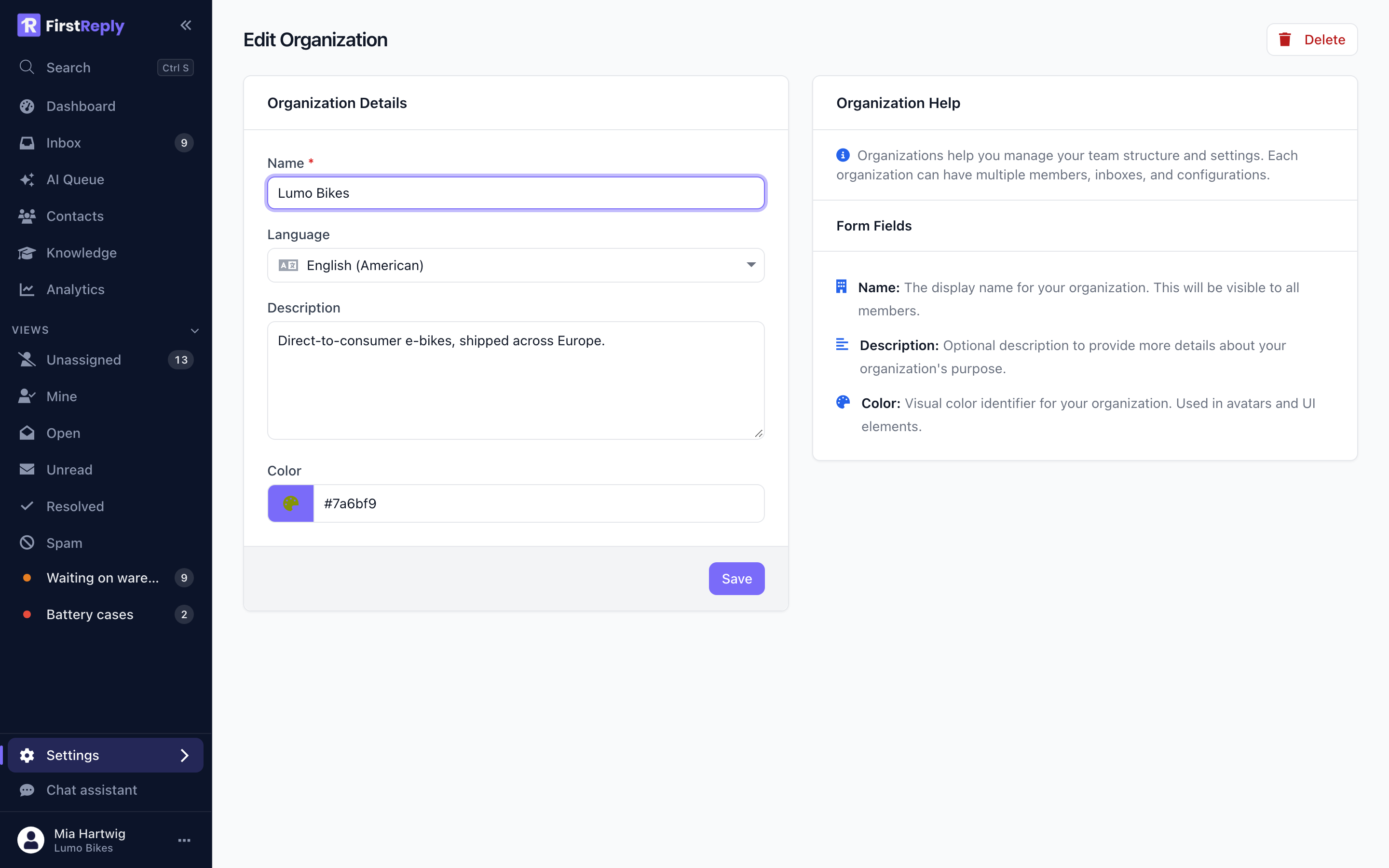
Identity
Who the assistant is and how it sounds. Write it as instructions to a new colleague, and be concrete.
You are the support assistant for Lumo Bikes, a direct-to-consumer e-bike brand. Write the way our team writes: warm, direct and free of corporate filler. Use the customer's first name once, never twice. Keep replies under 150 words unless the question genuinely needs more. Never invent delivery dates, prices or part numbers, and never promise a refund before a return has been received.
Every sentence there is checkable. "Be professional and helpful" is not, and changes nothing.
Behaviour
The rules that apply to every reply regardless of topic.
Always answer in the language the customer wrote in. Sign off with the agent's first name and "Lumo Bikes Support". If the answer is not covered by the knowledge base, say so plainly and hand the conversation to a human instead of guessing.
Category prompts
A classification can carry its own prompt, which applies on top of the workspace ones for conversations in that category.
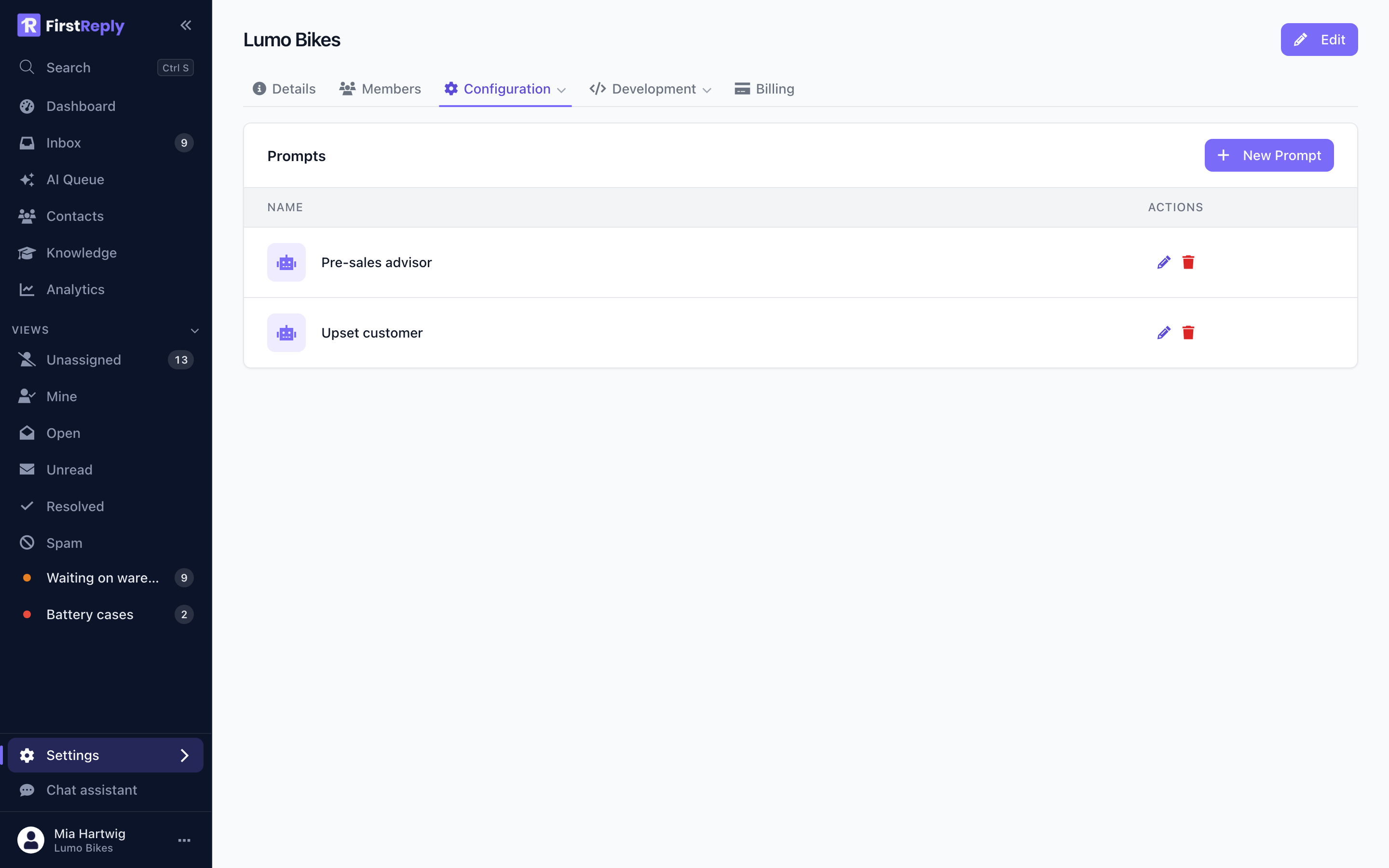
Manage them under Settings → Configuration → Prompts.
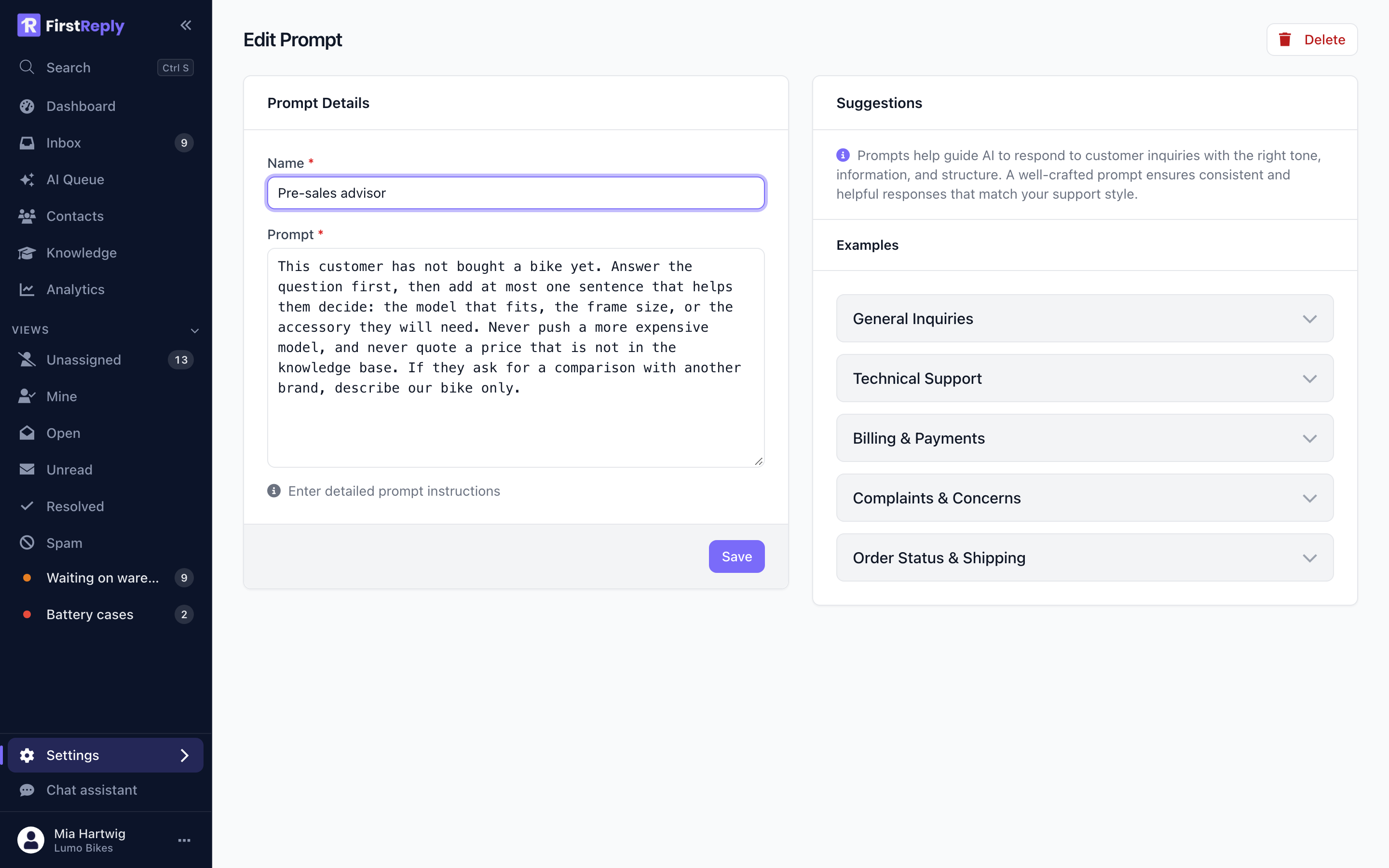
This is where different kinds of conversation get genuinely different treatment:
Pre-sales — the person has not bought anything yet.
This customer has not bought a bike yet. Answer the question first, then add at most one sentence that helps them decide: the model that fits, the frame size, or the accessory they will need. Never push a more expensive model, and never quote a price that is not in the knowledge base.
Upset customer — the tone has to change.
The customer is frustrated. Acknowledge the problem in the first sentence without a generic apology, state exactly what happens next and by when, and give one concrete thing they can do now. Do not explain our internal processes, do not blame the courier, and offer compensation only when the knowledge base allows it.
Public channels — the reply is visible to everyone.
This reply is public. Answer briefly, and move anything account-specific to email by asking the customer to write to support@example.com with their order number. Never mention order numbers, addresses or names in a public reply.
Writing prompts that work
Say what to do, not what to avoid. "Open with the answer" beats "don't waffle".
Give it numbers. "Under 150 words" is followed. "Concise" is not.
Name the forbidden moves specifically. "Never promise a refund before the return has arrived" prevents a real failure. "Be careful with refunds" does not.
Keep them short. A prompt of a hundred well-chosen words outperforms a page of them. Long prompts dilute themselves, and their contradictions surface as inconsistent replies.
Change one thing at a time. When you change three rules and the replies get worse, you have learned nothing.
What prompts cannot do
A prompt cannot supply facts. "Tell customers that shipping takes 3-5 days" belongs in an article, not a prompt — in a prompt it is invisible to search, cannot be cited as a source, and will be missed when the assistant is answering from retrieved passages.
Anything a customer could reasonably ask about goes in the knowledge base.